If you have enabled Enterprise Toolkit and created sub-environments on the Environments page, you may need to delete an Environment at some point. This is achieved on the Organizations Setup page of the Environment to be deleted.
WARNING
Once you delete an environment, it is permanent! All associated data, such as forms, screens, data sources, users, files, etc., are permanently deleted.
As an Enterprise Admin user, to delete an Environment, follow these steps:
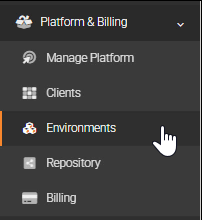
Navigate to Platform & Billing > Environments.
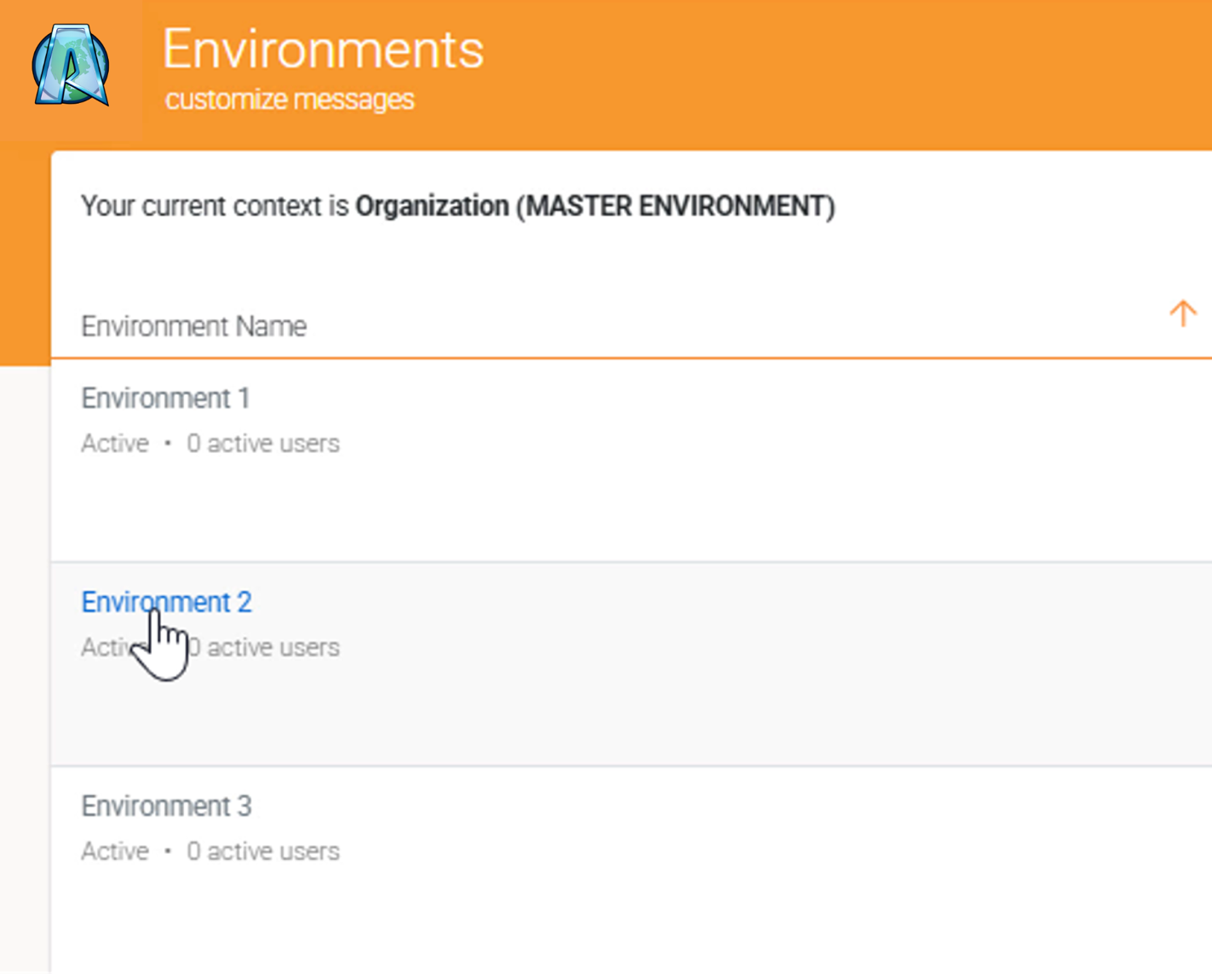
Set the context for the Environment to be deleted.
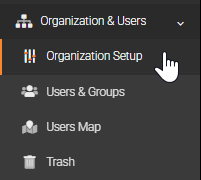
Navigate to Organization & Users > Organization Setup of the Environment to be deleted.
Click the Manage button on the top right corner, and select Delete
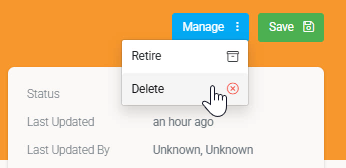
Confirm deletion.